
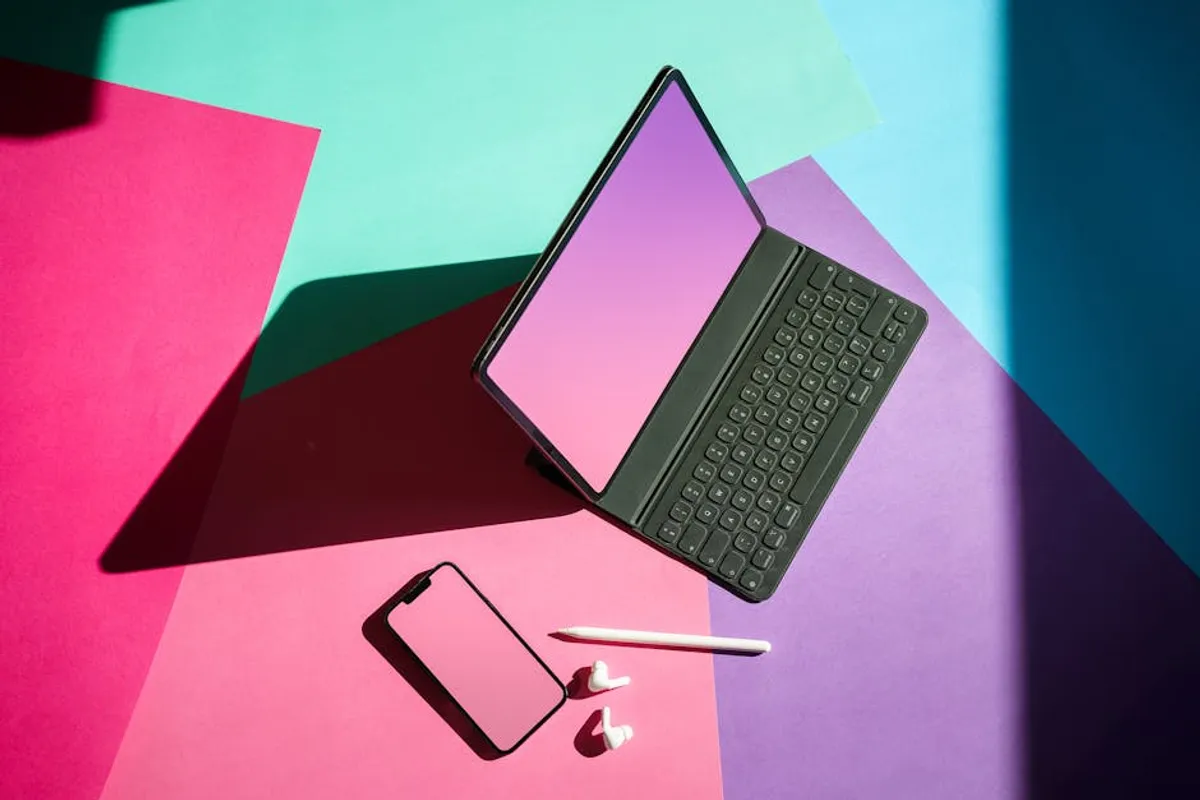
Designers frequently require high-quality visual presentations to convey concepts, secure client approvals, and build professional portfolios. While premium mockup resources offer extensive options, free mockup templates provide an accessible and effective alternative, particularly for independent designers, startups, or projects with budget constraints. The strategic use of these free assets allows for realistic product visualization without upfront investment, enabling designers to focus resources on core creative work. The key lies in understanding the diverse types available, discerning quality, and applying them effectively to maintain a professional standard.
Understanding Mockup Template Categories
Free mockup templates span a broad spectrum, each designed to showcase different aspects of a design project. Recognizing these categories helps pinpoint the most relevant resources for specific needs.
Digital Device Mockups
These templates present digital interfaces within realistic device contexts. They are crucial for UI/UX designers, app developers, and web designers. Common examples include:
- Smartphones: Displaying app screens or mobile website designs in various orientations and hand-held scenarios.
- Tablets: Ideal for showcasing interactive prototypes, e-books, or larger interface designs.
- Laptops and Desktops: Essential for presenting website layouts, software interfaces, or digital artwork in a professional setting.
- Wearables: Less common but valuable for smartwatch interfaces or fitness tracker designs.
Best for: Demonstrating user experience flows, responsive design, and digital product visualization.
Apparel and Merchandise Mockups
For designers working with physical products, apparel, and merchandise mockups are indispensable. They allow for visualizing designs on clothing, accessories, and promotional items before production.
- T-Shirts and Hoodies: Showcasing graphic designs, logos, or branding elements on various garment styles and colors.
- Hats and Caps: Presenting embroidery or print designs on headwear.
- Mugs and Bottles: Visualizing branding for promotional items or product lines.
- Bags and Totes: Displaying logo placement or pattern designs on carry-all items.
Best for: E-commerce product previews, brand merchandise development, and fashion design presentations.
Packaging and Product Mockups
These templates are vital for designers creating physical product packaging or industrial design concepts. They help clients visualize the final product in a tangible form.
- Boxes and Cartons: Presenting label designs, branding, and structural packaging concepts.
- Bottles and Jars: Showcasing labels for beverages, cosmetics, or food products.
- Cans and Tins: Visualizing branding for diverse consumer goods.
- Custom Shapes: Some templates offer more complex product forms, allowing for specialized design presentations.
Best for: Consumer goods branding, retail packaging design, and industrial design visualization.
Branding and Stationery Mockups
Comprehensive brand identity projects benefit significantly from stationery and branding mockups. These templates consolidate various brand assets into a cohesive visual presentation.
- Business Cards: Displaying logo, contact information, and brand aesthetics.
- Letterheads and Envelopes: Showcasing corporate identity on official documents.
- Brochures and Flyers: Presenting marketing collateral designs.
- Brand Guidelines: Compiling various brand elements into a unified visual narrative.
Best for: Corporate identity presentations, marketing material visualization, and portfolio building for branding agencies.
Essential Criteria for Selecting Free Mockups
Not all free mockups offer the same utility or quality. Diligent selection based on specific criteria ensures that chosen assets enhance, rather than detract from, a project's professionalism.
Licensing and Usage Rights
This is arguably the most critical factor. Free does not always mean unrestricted. Many free mockups come with specific licenses:
- Personal Use Only: Suitable for portfolio pieces or personal projects, but not for client work or commercial distribution.
- Commercial Use Allowed (with attribution): Can be used for client projects or products for sale, provided the original creator is credited.
- Commercial Use Allowed (no attribution required): The most flexible option, allowing broad use without credit.
- Creative Commons (CC) Licenses: Various forms exist, from CC BY (attribution required) to CC BY-NC-ND (attribution, non-commercial, no derivatives).
Always verify the license before downloading and using any template, especially for commercial projects. Misinterpreting a license can lead to legal complications.
Pro Tip: Before incorporating any free mockup into a client-facing project or commercial product, meticulously review its licensing agreement. A common oversight is assuming "free" implies "royalty-free for all uses," which is often not the case. Look for clear statements regarding commercial use and attribution requirements; when in doubt, seek an alternative with unambiguous terms.
File Format and Compatibility
The usability of a mockup often depends on its file format and compatibility with design software. The most common and versatile format is PSD (Photoshop Document), which typically features Smart Objects for easy design insertion. Other formats include AI (Adobe Illustrator), Sketch files, or even simple JPEG/PNG files (though these offer minimal customization).
Considerations: Ensure the file format is compatible with your primary design software. PSDs with well-organized layers and Smart Objects provide the most efficient workflow.
Customization Potential
High-quality free mockups offer robust customization options. This includes:
- Smart Objects: For effortless replacement of placeholder designs.
- Adjustable Elements: Options to change colors, textures, or background elements.
- Shadows and Highlights: Realistic lighting and shadow effects that can be toggled or adjusted.
- Layer Organization: Clearly labeled and grouped layers for easy navigation and editing.
Templates with limited customization may save time initially but can restrict creative freedom and final presentation quality.
Visual Quality and Detail
The resolution, realism, and attention to detail in a mockup directly impact the perceived quality of the design it showcases. Look for:
- High Resolution: Ensures clarity and sharpness, especially when scaled or printed.
- Realistic Lighting and Shadows: Mimics natural light conditions, making the mockup appear authentic.
- Accurate Perspectives: Correct angles and proportions that avoid distortion.
- Clean Aesthetics: Absence of watermarks, pixelation, or distracting elements.
A low-quality mockup can undermine an otherwise strong design, making the entire presentation appear amateurish.
Strategic Sourcing for Quality Free Mockups
Locating reliable sources for free mockups requires understanding where creators typically share their work.
Community-Driven Platforms
Many designers share their creations on platforms that foster creative communities. These sites often host a "freebies" section where designers upload assets, including mockups, for peer review and public use. The quality can vary widely, but diligent searching often yields exceptional resources.
Asset Libraries and Design Portals
Several larger design resource websites maintain dedicated sections for free assets. These platforms aggregate content from various creators and often categorize mockups by type, making discovery easier. While some require account registration, they typically offer a curated selection that adheres to certain quality standards.
Maximizing Impact with Free Mockup Templates
Beyond selection, the effective application of free mockups is crucial for professional results.
Tailoring for Specific Projects
Avoid a generic approach. Select mockups that align with the project's aesthetic, target audience, and brand guidelines. For instance, a minimalist app design might pair best with a clean, modern device mockup, while a vintage-inspired logo could benefit from a textured, retro branding mockup. Customizing colors, backgrounds, and minor elements within the mockup can further integrate it with the design concept.
Maintaining Brand Consistency
When using multiple mockups for a single brand presentation, ensure visual consistency. This involves using similar lighting, angles, and background styles across different mockups. If a mockup's default settings clash with the brand's established look, adjust its elements (e.g., color overlays, background textures) to align. This creates a cohesive and professional brand narrative.
Efficient Workflow Integration
Organize downloaded mockups systematically. Create a categorized library on your local drive or cloud storage. Rename files descriptively to quickly locate specific types (e.g., "iPhone_15_Pro_Mockup_Handheld.psd"). For frequently used mockups, consider creating templates within your design software that pre-load common settings or brand elements, streamlining the insertion process for future projects.
Practical Application Insights
Free mockup templates serve as powerful tools for designers to visualize and present their work compellingly without incurring additional costs. Their value extends from early concept development to final client presentations and portfolio showcases. By prioritizing templates with appropriate licensing, strong customization potential, and high visual fidelity, designers can elevate their output and communicate design intent more effectively. Strategic selection and thoughtful application are the cornerstones of leveraging these resources to their fullest commercial advantage.
Frequently Asked Questions About Free Mockup Templates
What is the primary benefit of using free mockup templates?
The main benefit is cost-effectiveness; designers can create professional, realistic presentations for their work without purchasing premium assets, making them accessible for budget-conscious projects or individuals.
Can I use free mockups for commercial client projects?
It depends entirely on the specific license accompanying each template. Always check if the license permits commercial use, and if attribution to the original creator is required, ensure it is provided appropriately.
What software is typically needed to edit free mockup templates?
Most free mockup templates are provided in PSD (Photoshop Document) format, requiring Adobe Photoshop for editing. Some may also be available for Adobe Illustrator, Sketch, or Figma, so verify the file type before downloading.
How can I ensure the free mockup I choose looks professional?
Look for templates with high resolution, realistic lighting and shadows, accurate perspectives, and clean, well-organized layers. Avoid mockups with watermarks, pixelation, or amateurish aesthetics, as these can detract from your design.



